Modernizing Legacy Enterprise Software UX

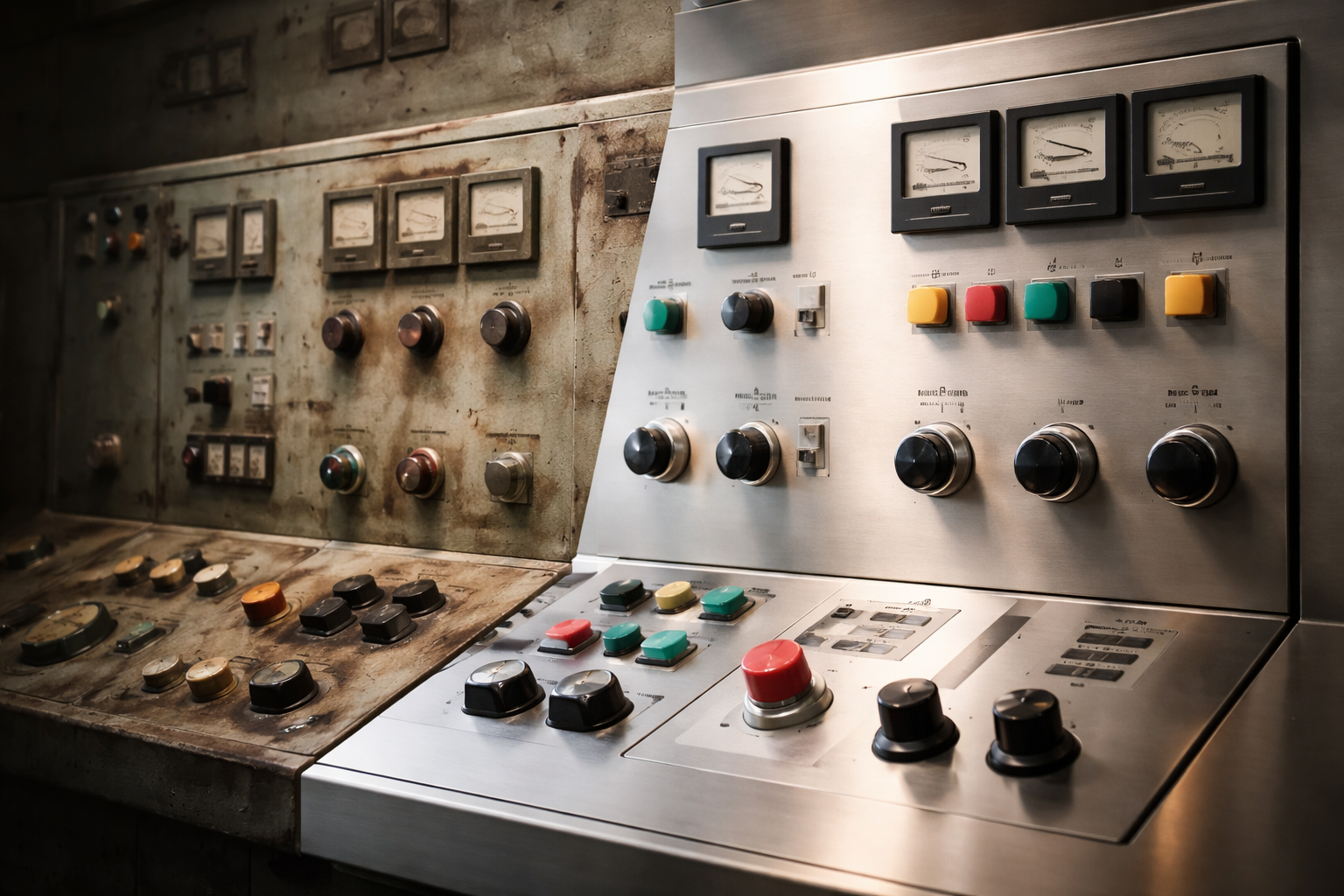
Legacy enterprise software often carries the weight of years of decisions, integrations, and workarounds. While these systems may still function reliably, their user experience frequently lags behind modern expectations. Modernizing legacy enterprise software UX is not about cosmetic updates. It is about reshaping how people interact with critical systems without disrupting what already works.
The first challenge is respect for reality. Legacy platforms usually support core operations, which means they cannot simply be replaced or redesigned overnight. Users depend on them daily. A successful modernization effort begins by understanding which workflows are essential, which are tolerated, and which actively slow people down. This clarity prevents changes that look modern but break productivity.
Incremental improvement is key. Rather than rewriting the entire interface, teams focus on high-impact areas. Navigation clarity, visual hierarchy, and task flow are often the biggest wins. Small UX changes can dramatically reduce friction while preserving the underlying system logic that businesses rely on.
Consistency plays a central role in modernization. Legacy systems often contain multiple design languages layered over time. Establishing a clear design system brings order without forcing a full rebuild. Shared components and interaction patterns make the experience more predictable and easier to learn, especially for new users.
Performance perception is another major factor. Even when systems are technically fast, outdated UX can make them feel slow. Clear loading feedback, streamlined layouts, and responsive interactions improve perceived speed. These changes restore confidence without touching backend architecture.
Modernization must also consider future growth. Updating UX is an opportunity to prepare systems for new integrations, data sources, and user roles. Interfaces should be flexible enough to support expansion without repeating the same design debt that created the problem in the first place.
Modernizing legacy enterprise software UX is a strategic act of preservation. It protects institutional knowledge while making systems usable for the next generation of users. When done thoughtfully, modernization extends the life of critical platforms and unlocks value that was buried under years of complexity.